PDF to ZPL
NOTE:
This tool has been superseded by the LabelZoom Web App. Documents or images uploaded on this
page will be automatically redirected to the new app:
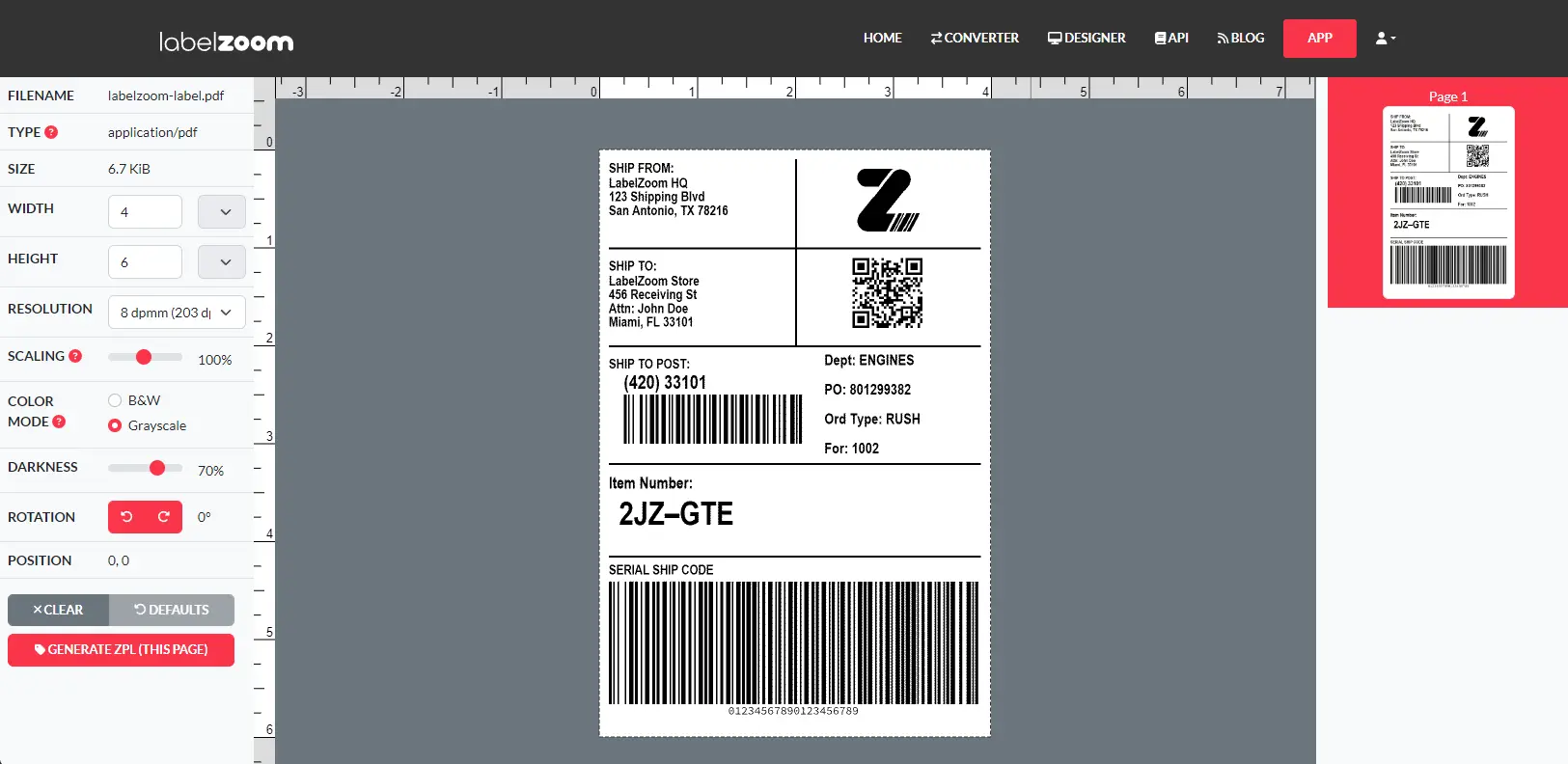
How It Works
Welcome to the LabelZoom online ZPL converter! To convert a PDF document to ZPL, simply select a file from your hard drive using the file chooser at the top of the form, then press the "Convert" button. Your document will be sent to the LabelZoom API and the ZPL code will be returned to the Output field below.
NOTE: Submitted files must be less than 1 MB in size.
If you would like to integrate this functionality into your own website or software application, please see our API documentation.
Other Formats
- PDF to ZPL
- PNG to ZPL
- GIF to ZPL
- JPEG to ZPL
- BMP to ZPL
- ZPL to PDF
- ZPL to PNG